It’s Vital to go Viral

I am sure everyone would enjoy a week or two of some fame, especially during the lock-down of COVID-19. I have been trying to go viral myself on Tik Tok, not looking too good in my favor (even though I’m pretty funny).

What does the communication field contribute?

In this field, We are given a head start when it comes to the understanding virality. I know:

  • How to go viral– I have an understanding that there isn’t a specific set of rules to follow when it comes to making sure one’s content goes viral. No one plans to, usually it just happens.
  • Not everything goes viral or is viral content worthy– Like designing a website or in literally everything else, you have to know your intended audience. When you keep “triggers, emotions, and positivity” in mind, you may have a chance to have a widespread audience.
Since our field revolves communicating and networking, we are given insight on what is popular by demand faster than others, usually. An understanding of going viral in my profession would be a great asset. I would be aware of what would entice our targeted audience to support us. Whatever company I end up perfecting the image of would benefit greatly if some content of ours has potential to going viral.

Content adapted from: A Scientific Take on Viral Marketing
What Will The Future Hold?

We are always warned about what we put on the internet and social media will be there forever, even if we deleted it. With that being said, of course it is important to maintain a certain image. Continue reading to see why I think so.

How will these issues affect my future career?

Well, the “issue” at hand is the line between public and private being blurred.

  • I will have to heavily monitor what I post, even in private, to refrain from future employers not being fond of me.
  • The practice of being so cautious may begin to becoming tiring since my future profession will be centered around some form of social media.
  • Like the lady who’s mother was murdered, the internet will portray you in a certain way. I will be on guard to not give it the chance to, hopefully.
  • Nonetheless, I will always use every post or opportunity I get to present myself the way I desire to be presented.

Do I think changes in the way we view privacy has implications for public discourse and a democratic society?

Yes and No:

  • Yes, because there are defined limits in regards to the power of the government and individuals
  • No, because those defined limits are beginning to be violated by the government through what we upload onto the internet. The freedom to post what we want has the price of never being deleted.

Content adapted from: What Will a Future Without Secrets Look Like?

Moooove to MOOC?

After a longggg two weeks, it is back to the basics for my web design class (sorta). Due to the events caused by COVID-19, my university and several others had to transition to online courses. To see how I feel about web design training and the idea of being an advocate for MOOCs, keep on reading below!

As you all know, I am in a web design class and my wonderful teacher gave us the hook up on finding some helpful training sites. The four that I think would be the most useful are:

  • Khan Academy– I believe this website would be useful because I am familiar with it. I’ve had to use it throughout high school for math and science, so I know that the teaching style is something I am fond of.
  • W3Schools– I like the simple and basic atmosphere this resource sets because it does not intimidate me in any way. It has been said that this site is very user and beginner friendly, and that is what I like to hear.
  • CSS-Tricks– this seems like a helpful resource since it is a blog that a web designer created. Since I feel like I am getting the hang of blogs, this source will be relatable and possibly easier to use.
  • Treehouse– I think Treehouse will be useful because it offers a video-based service. Web design training would be much easier with a video as a guide.

Will CA 260 be different?

Yes, this course revolves around being online and using computers. However, with it being fully online for the rest of semester things will be different. It would be different because I wouldn’t have the in person contact with sweet Ms. Walter, her teaching style takes away a lot of stress this class COULD create. I most definitely would enjoy it less because:

  • As a student, I feel this unprepared feeling without the teacher being in our physical presence.
  • Online class gives me more of an opportunity to get behind (although I vow to not let myself get behind).

Content adapted from: Web Design Training and What are MOOCs Good For?

Managing With A Management System

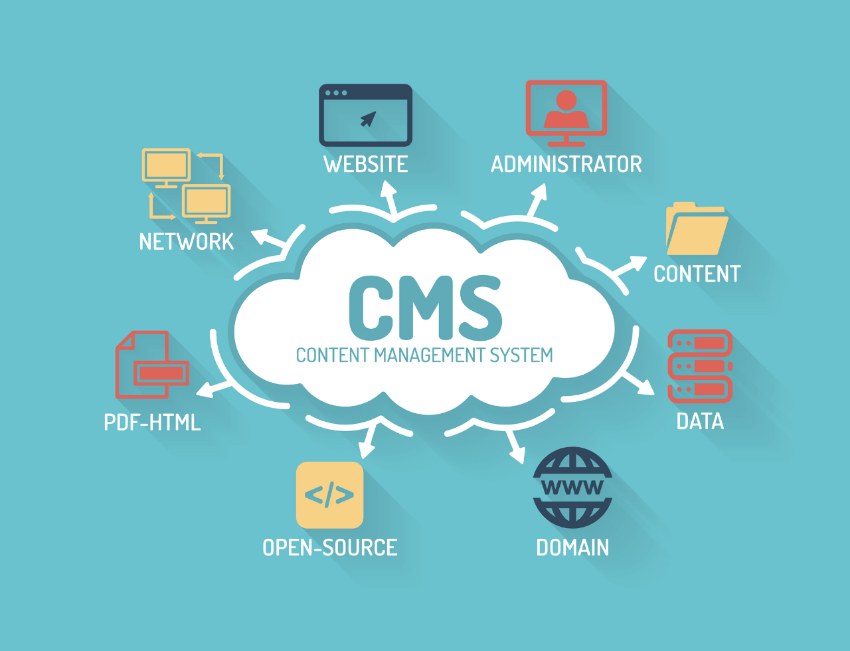
Are you a business interested in reaching another audience? Creating a website to advertise your booming business is so beneficial in this era centered around technology. Luckily, a CMS can guide you every step of the way when making a website. Continue reading for an inside look and suggestions on which CMS is the best for you!

“OK, Where Should My Business Start?”

I recommend to use the free platform, Drupal. Yes, it sounds like some expensive nasal medicine, yet it is the leading open-source cms to use.

WHY? Drupal?

Drupal impressed me in several ways and I believe they will do the same to you. It started with their values and principles, which are:

  • Prioritize Impact– it is reassuring to know Drupal finds it important to leave great impressions on its users. They “build software that is easy, accessible, and safe for everyone”.
  • Strive for excellence– Businesses strive for excellence, is it not awesome that your future website was created through a system that aims for excellence too?
  • Better together– a welcoming atmosphere is always great to encounter.

If you are like me and you lack technical skills, Drupal is our friend because:

  • WYSIWYG– as you create the website, you will be able to view what the end product will appear as. This helps with determining if you like the route you are going in and allows you to fix what you do not like early.
  • Mobile Friendly
  • No technical background needed
  • Very Secure

content adapted from: About Drupal

Info on Infographics

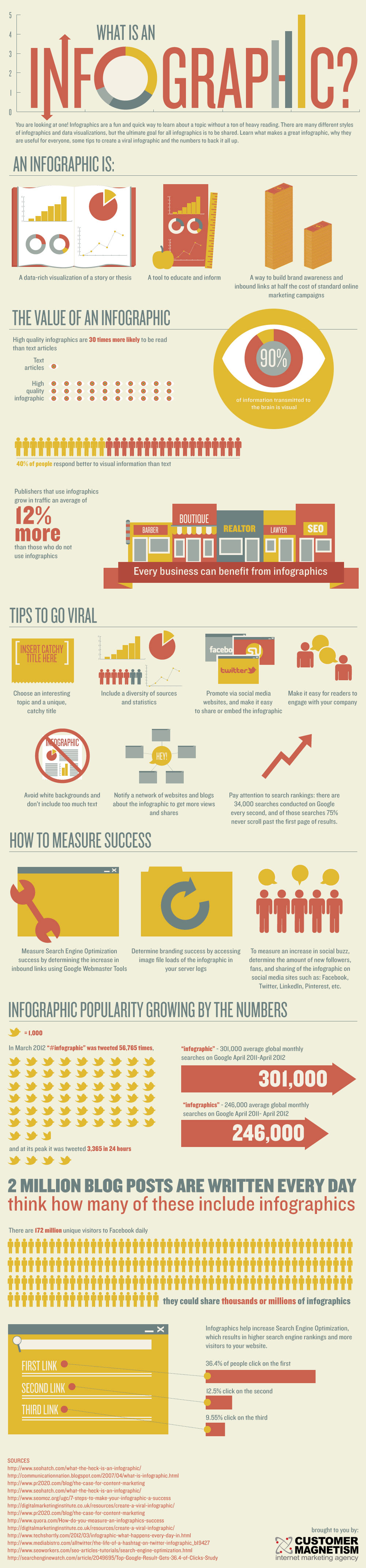
Welcome back to the blog survival guide, where I am the one who actually needs the guiding! This week in my web design class we focused on infographics. Continue reading to find out how graphics help us in several ways.

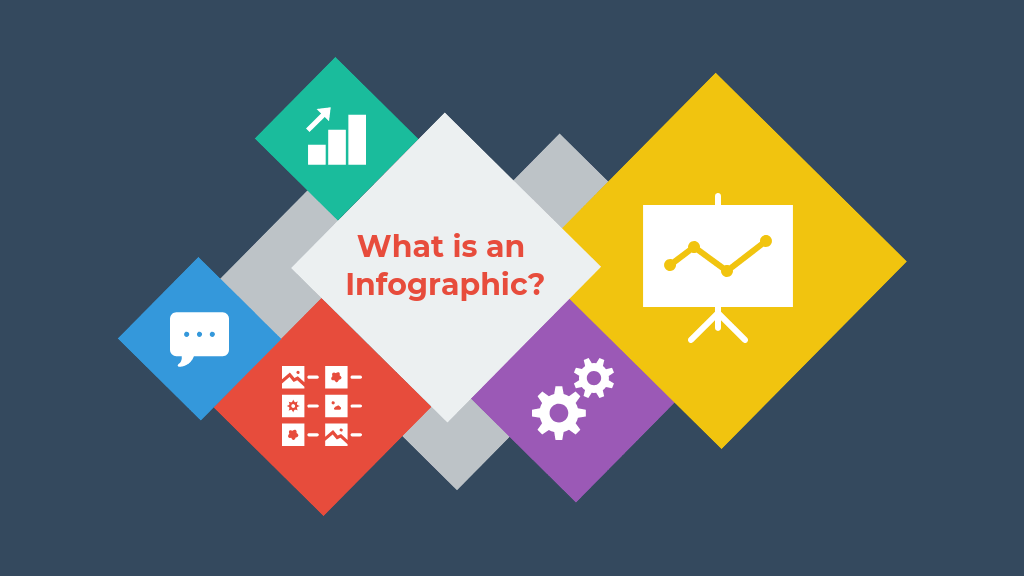
Infographics are visual representations of:

  • information
  • data
  • knowledge
    • all to portray content to viewers quickly and clearly

I find infographics very useful and a good idea to incorporate on web pages for visual learners like me. Infographics allow viewers to see complex subjects broken down in a different way.

For Those Who Are New to the Creating Process:

  • Make sure your content is appealing and accessible– I believe it is best to catch the audience’s eye as soon as they take a glance at your graphic, so make sure you incorporate a great attention grabber.
  • Include clear and concise data– The date that you want your audience to obtain should not be too confusing to understand. Anyone should be able to decipher the message intended to be conveyed.
  • Have a great grasp on your topic– it is important that your audience can trust the fact that you know what you are talking about. Your facts should be accurate before you throw them onto your infographic.
  • Be Yourself– (a common tip that is often given but should always be remembered) Make sure that you remain true to yourself while creating an infographic because it will guide you to produce the best content in your eyes.

information adapted from: What is an Infographic? ( examples, tips, and templates)

Access to All

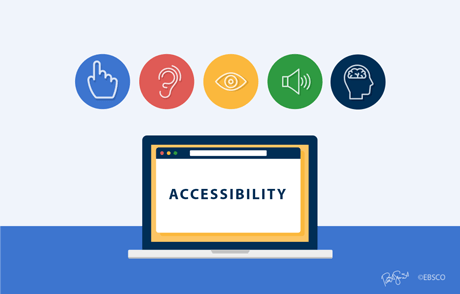
You never realize how certain things carry into all aspects of life. For example, how people with disabilities have obstacles to face not only in the real world but in the technological one too. This week in my web design class, I was reminded of the importance of considering everyone’s differences.

To break it all down, web accessibility is designing your website to be usable for as many people as possible. Continue reading to see how I plan for my web project accessible.

WHAT’S ON MY AGENDA

To ensure that I consider all disabilities I will hit each category:

  • Auditory disabilities– for this one I will keep in mind to not rely on the sound of included media to convey the message. I will have features like text transcripts of audio, live captions when there’s live audio, and make sure the page isn’t limited to voice interaction only.
  • Cognitive– To respect those with cognitive disabilities, I will utilize simpler text that is compromised with illustrations, consistent labeling to suggest organization, and options that avoid distracting content.
  • Physical– someone with a physical disability might be someone without functioning hands, so in this case I could emphasize on more hands-free interaction on my site. I will focus heavily on a lot of keyboard support functions.
  • Speech– people with a speech disability have trouble with voice based programs. As a solution, I will include alternate options for things that require voice. This should not be hard since it is common for text based chats or functions to be available.
  • Visual– Those with a visual disability might suffer with low vision, blindness, or color blindness. To accommodate to them on my site I could try to provide a screen reader or a screen magnification technique.

Content adapted from: https://www.w3.org/WAI/people-use-web/abilities-barriers/#speech and https://www.washington.edu/accesscomputing/sites/default/files/30-Web-Accessibility-Tips.pdf

FIVE GOLDEN STEPS

When creating a website, organization, especially on the homepage is a key factor in success. Continue below to see what five steps caught my eye from this week in my web design class.

In no particular order, Here are the steps:

  1. Engagement Media
  2. Know your target audience
  3. Make sure your page is scrollable
  4. Table of Contents
  5. Route to the main offer

Engagement Media

This particular tip discusses the importance of having interactive content on the page to serve as a call to action to viewers. Its beneficial to let your audience know that they can work with you and you can work with them. For example, some sites have an option for you to register an email as soon as you launch their site.

Knowing your audience

This advice is great because it helps you to narrow down a specific direction to take your website in. When you create your content on the behalf of your intended audience, you will continue to have an audience! Like a mother knowing her child, you should know your viewers and want they want.

Scroll… or nah ?

Are you designing your website in a way that you audience won’t be able to stop scrolling everywhere to feast their eyes on your amazing content? In class, we learned about the “3 click rule”, where if someone does not find what they need in 3 clicks they leave the website. So, make sure you illustrate you homepage in a scroll to die for fashion.

T.O.C

Utilizing a table of contents on the homepage of your website conveys to your audience that you have a lot to offer for them to encounter on your site. Your homepage is the first thing visitors see, so when it functions as a great table of content your audience knows you obtain organization skills.

Route to the Main Offer

Lastly, this tip is my favorite one. The set up of your homepage should connect to the main attraction of your site, the best thing you have to offer. Routing to the main offer encompasses all the tips in one. The other tips, 1-4, are the steps that are encouraged to take if you want to lead viewers to the your most important product or offer.

Information adapted from: How to design a killer home page (advanced web design) and Organizing Website Content

Weee Loveee Weeblyyy

This week in my digital writing and production class, we were introduced to a new web design site. Continue reading to hear the hooplah about it!

Clueless? No Worries

That was the entire class’ face when we were told we also had to start designing our own website on top of making a weekly blog post. Fortunately, after a walk-through and a few silent tears, we realized Weebly holds your hand every step of the way.

Fantastic πŸ™‚ Helpful πŸ™‚ Features πŸ™‚

Weebly is very user friendly due to:

  • “Build” option on the menu. This feature has just about every option you could think of to use in the editing process of your website. For example, if you wish to add an image to your page, you go to the Build toolbar and just drag the image option to the spot of your choice.
  • Tutorial Mode. For newcomers, a step by step tutorial pops up whenever you start to use a new feature.
  • Themes. Weebly has a broad horizon of themes to pick from, which is very helpful because sometimes you know what you’re looking for, but the plethora of themes help you find just what you need.

Speaking of themes… Which one did I decide on?

Initially, I picked the theme titled, “Birdseye 2” because of the light blue smoke cloud that reminds me of the art on the rapper Future’s album, DS 2. I felt like I could get really creative with it. I think that I will be changing it soon to express more originality. I found a feature to create your own background, where I might go ahead and find a great butterfly picture or beautiful sunset to be the background. On the other hand, I may not change the theme because it is a helpful crutch in the process of not jacking things up and maintaining a neat look on the page.

Information adapted from: How to Use Weebly: A Simple Step-by-Step Guide

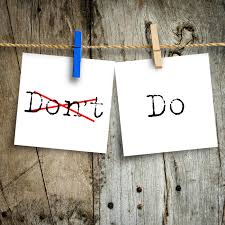
Don’t Do This, but Do This

It always feels good to have a guide to follow, when you’re super clueless about something. Fortunately, this list of “do’s and don’t’s” we came across in class, will be a perfect guide for my future blog posts.

How the list helps:

  • “Don’t limit your word count”- this one is great insight of the fact that you have the chance to say everything that you’ve got to say, just use the perfect words to say it.
  • “Don’t write paragraphs”- reminds me of the previous one because it pushes me to remember to not bore my readers while still telling them just enough
  • “Don’t avoid trying new things”- step out of your comfort zone
  • “Don’t start unrealistic dreams”- even though you should step out of your comfort zone, don’ t become someone you aren’t

How does this apply to post in class? I will try my best to stay as original and true to myself as I can

The Dos and Don’ts are E v e r y w h e r e

I could apply them to my chosen career field by being who I really am while avoiding complacency in my career.

Do you think you have what it takes?

Am I going to commit to this blog? Honestly, yes because not only is it a grade but using all platforms of social media is a key factor in networking. So, I will ensure to take steps like editing my blog post all week up until its due or stepping out the box to be memorable.

citation: Klems, Brian A. β€œHow to Write a Blog: The 12 Dos and Don’ts of Writing a Blog.” Writer’s Digest, 31 May 2018, http://www.writersdigest.com/online-editor/the-12-dos-and-donts-of-writing-a-blog.

Who is Gabby J?

I am Gabriela Johnson, or gabby for short. I am a sophomore here at South Alabama, a croc connoisseur, and a butterfly enthusiast. I am from Montgomery, AL, yet if we want to get technical I was born in Okinawa, Japan (shout out to my father for being a marine). My major is communications and I can proudly say I haven’t had a major crisis…yet.

Butterflies?….Because??

  • Hence the name of my website “married to mariposas”, where “mariposa” is butterfly in Spanish.
  • Because butterflies remind me to be appreciative of the little things that add up to have an impact on bigger things in life.
  • https://fs.blog/2017/08/the-butterfly-effect/

Do I read any blogs?

No, not any that I read on a regular basis. But, I can say that I come across blogs whenever I am looking things up on the internet. The only experience I have with blogs is the Disney TV show, Dog with a Blog

Why Blog?

  • The purpose of a blog to me is to connect people.
  • To me, bloggers get the chance to passionately speak about something they love with confidence because they know their intended audience is passionate about the same thing.

Would my potential field prosper with blogging?

My potential job is in the arts and communications professional field. I am currently telling everyone that I want to be a public relations representative. https://www.youtube.com/watch?v=ScM-vsHET2Q

Any-who, someone in this field may blog to portray the ins and outs of a company to perfect the face of it. A PR could use blogging on their behalf to network with customers, talk about their own content, and engage new audiences.

Citation: Rowlands, Cheri Lucas, et al. β€œChoosing the Perfect Blog Name: She’s a Maineiac.” The Daily Post, 22 Dec. 2017, dailypost.wordpress.com/2013/12/18/shes-a-maineiac/.

Design a site like this with WordPress.com
Get started